728x90
반응형

telegram 4

Python No module named 'Bot' 에러 해결

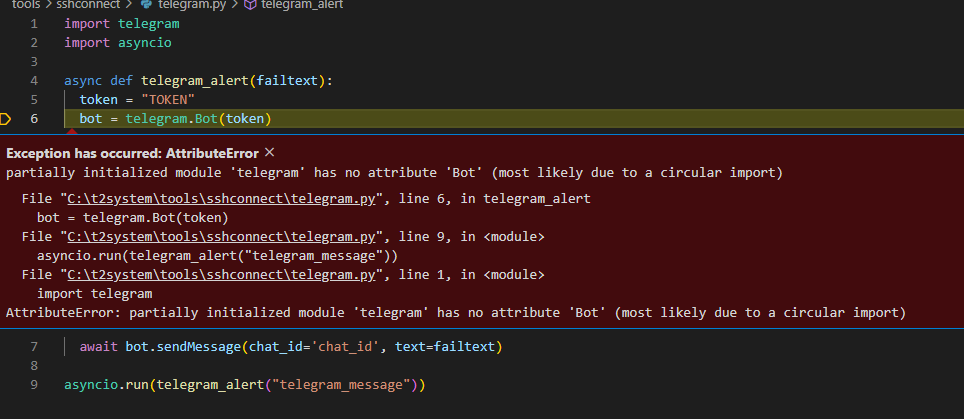
Python에서 telegram을 사용할 때 No module named 'Bot'이 문구가 뜨는 경우 예제 소스 import telegram import asyncio async def telegram_alert(failtext): token = "TOKEN" bot = telegram.Bot(token) await bot.sendMessage(chat_id='chat_id', text=failtext) asyncio.run(telegram_alert("telegram_message")) 에러 내용 Exception has occurred: AttributeError partially initialized module 'telegram' has no attribute 'Bot' (most likely ..
python 2023.10.30

CloudWatch Alarm telegram 연동

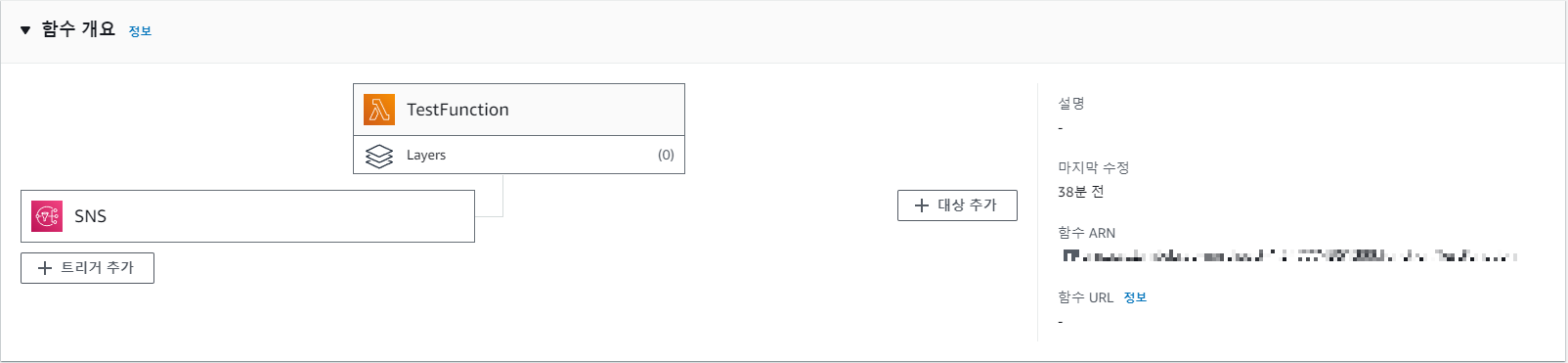
- 필요조건 : Cloud Watch, SNS , Lambda - CloudWatch : 경보생성 및 SNS 주제 연결 - SNS : 주제 생성 + Lambda endpoint로 구독 생성 - Lambda : telegram Alarm 전송 함수 생성 1.Lambda 함수 생성 함수 생성 시 만드는 함수 ARN키를 갖고 SNS 주제에 구독을 추가하면 된다. -코드 소스는 각자 상황에 맞게 개발하면 됨. 2.SNS 주제 생성 및 구독 추가 주제 생성 후 구독 생성할 때(앤드 포인트는 Lambda 생성 시 나온 값 세팅) 3.Cloudwatch에서 경보 생성 후 SNS 주제연결 경보 테스트 및 확인

AWS 2023.08.07

Grafana Alert 템플릿 커스텀 및 사용하기

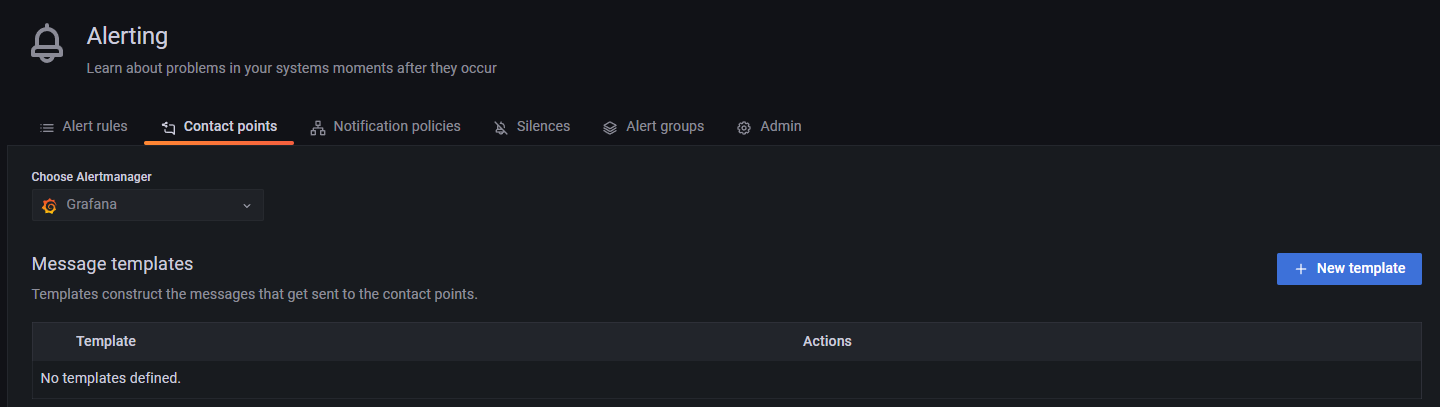
우선 Template을 등록하는 방법은 아래와 같다. 1. Alerting에서 Contact points 탭을 선택 후 "New template"을 선택 2. Template 이름 입력 및 Content를 작성 3. Template Data에 마우스를 가져가면 아래처럼 팝업이 뜨는데 참고해서 작성 이번에는 Template을 사용하는 방법에 대해서 알아보자 우선 telegram을 연동하고 test 알림을 보내면 기본적으로 아래 형태로 메시지가 온다. **Firing** Value: [no value] Labels: - alertname = TestAlert - instance = Grafana Annotations: - summary = Notification test Silence: http://loca..

Grafana Alert 설정하기-1(telegram 연동)

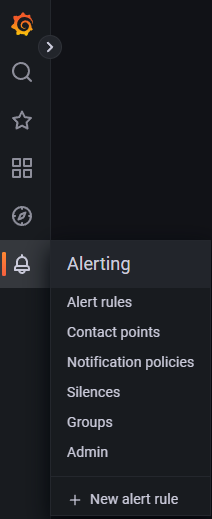
1. 종 모양 클릭 2. Alerting에서 Contact points 탭을 선택한 뒤 New contact point 선택 3. 설정 세팅 Name Contact point type => telegram BOT API Token CHAT ID 입력 저장 전 Test를 통해 telegram에 정상적으로 메시지 전송이 되는지 확인이 가능하다 위 이미지에서 Test를 누르면 아래 화면이 뜨는데 "Send test notification"을 누르면 메시지가 아래 형식처럼 날아온다. **Firing** Value: [no value] Labels: - alertname = TestAlert - instance = Grafana Annotations: - summary = Notification test Sile..

728x90
반응형